How I Use MCP for Context Engineering as a Developer

Shahar Abramov
・
As an engineer at Tadata, I want to share how I actually use MCPs day-to-day. Spoiler warning: they're very valuable but I use them in a granular way, nowhere near "fully autonomous mode."
My Setup
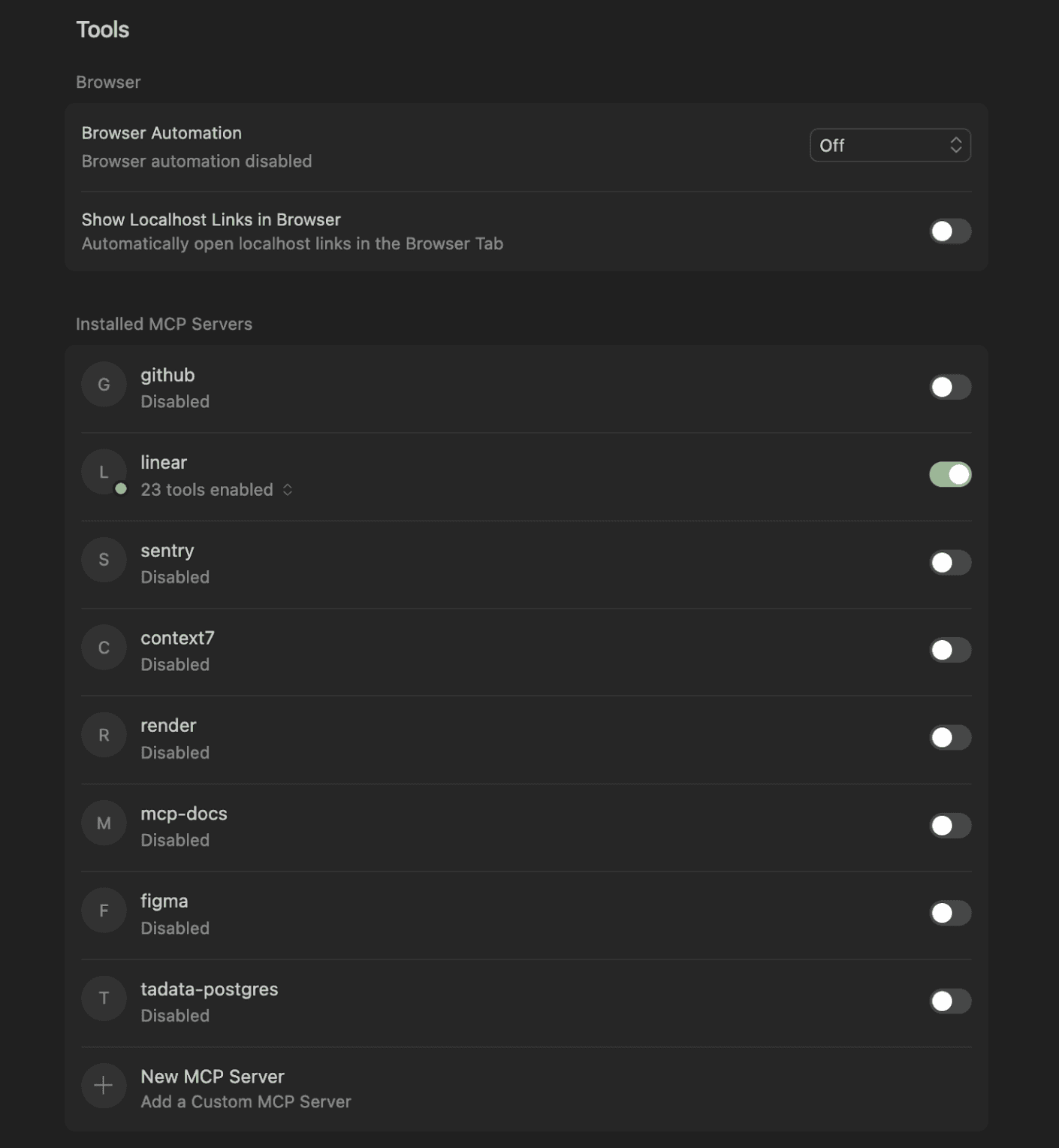
I code in Cursor and I only enable the specific servers that I need for the task. If I flip on every MCP server I have, I can burn 50k+ tokens of context before I type my first real message.
My General Process
I almost never start with “Implement X in Y”
I start with a cheap model and an initial prompt:
Why I do this:
Grounding: I want the model to read and restate how things work before touching anything, so we both see if it understood the architecture
Over eager agents: Tools like Cursor really want to “fix” things immediately. If I start with “X is broken”, it will jump to fix it.
Better use of the context window: Models seem incentivized to use the full capacity of their context window. If I fill most of the window with relevant code and docs first, it pushes the model toward more focused edits.
Docs MCP
I almost always have the docs of the library I’m using. This way the agent can read the docs and code examples directly instead of me having to read them end-to-end (or at all). I’ll say:
Assuming I already confirmed on the Context7 site that it has the relevant library’s docs and they were indexed recently, Context7 handles “find the right docs and examples” for me.
Sometimes for a new SaaS, I spin up a docs MCP using my own tech.
Sentry MCP
This is my favorite MCP, because it works so smoothly and the agent saves me a lot of time.
Sometimes I do let it implement the fix, but I explicitly say “do not fix yet” when I already suspect the issue is subtle and I just want a clear mental model first.
Figma MCP
My second favorite because it also works well and it saves lots of time translating Figmas from our designer into code.
I grab a link to a specific node (for example, the empty state for “no search results”). I say:
After that is complete, I start a separate chat and say:
I never say “implement the whole page from this Figma file.” I keep it to one component or one flow at a time.
Most of the boring frontend work is mapping things like spacing and padding to our own scale, which the MCP server handles well.
Linear MCP
For Linear, I mostly use it as a context pull, not an automation engine.
Typical prompt:
I do not really use the Linear MCP to automate moving tickets or posting comments.
Github MCP
For GitHub, my usage is pretty narrow and focused. I use it to get the review comments and discussion.
Typical prompt:
Postgres MCP
Whenever a bug clearly depends on the actual data and not just the code, I pull in a Postgres MCP.
Here’s an example prompt, where the internal link is findable in the DB:
Infra MCP
We do have an MCP that can talk to our cloud provider, but I almost never let an agent mutate infra. Sometimes, I check logs but changes are either easy and I can do it myself, or complex and I don’t trust AI to handle it.
What I’m Thinking About Next
I’m considering using a browser MCP but haven’t done it yet since most are focused on Chrome and I use Brave.
I’m also thinking about running everything through a single gateway MCP so that I just connect each IDE or MCP client to that single MCP server, and control on that single server which tools are enabled. That will make it easier to use my MCP setup across multiple IDEs.
Want to Try It in Your Workflows?
You can grab all of the connectors from Tadata and start streamlining your dev work with MCP too.